Vidu Q4 Image to Video
Upload one image, describe the motion and camera, and Vidu Q4 extends the still into a 3 to 16 second video.
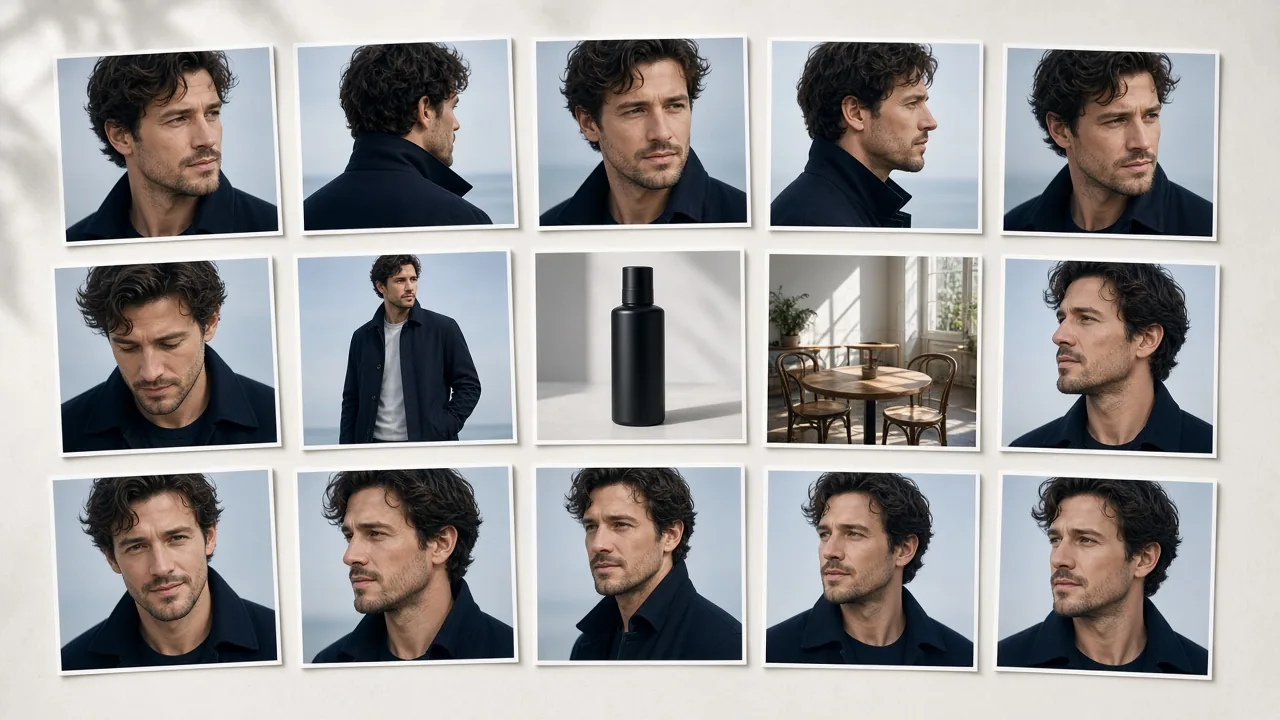
Vidu Q4 image to video starts from a single first frame. Upload a photo, illustration, product shot or character artwork, then describe the action and the camera move. Vidu Q4 keeps the subject and composition of your image and animates it from there.
- 3 to 16 seconds: pick the length that fits the shot.
- Sound included: add a spoken line or a sound cue to the prompt and the clip comes back with audio.
- Up to 4K: choose 540p for a quick draft, or 2K and 4K for the final render.
- Your aspect ratio: vertical in, vertical out.
Vidu Q4 image to video works well for animating portraits, product showcases, illustrations and character scenes with dialogue. If you used the Vidu AI image to video tool on Vidu Q3, the main change is output resolution: Q3 stops at 1080p, and Vidu Q4 reaches 4K.
Vidu image to video gives better results when you keep the prompt focused. Describe one main action instead of five, name the camera move, such as a slow push-in or a pan, and put any spoken line in quotation marks. Start from a sharp image where the subject is clearly in frame.