
Model comparison
Vidu Q4 vs Vidu Q3: Which Model Fits Your Next Video?
Q4 adds higher-resolution options to a short-video workflow that already includes native audio in Q3. Choose by the shot you need, the inputs you have and the format you must deliver.
By Vidu Q4 editorial team Updated
Open Vidu Q4 Studio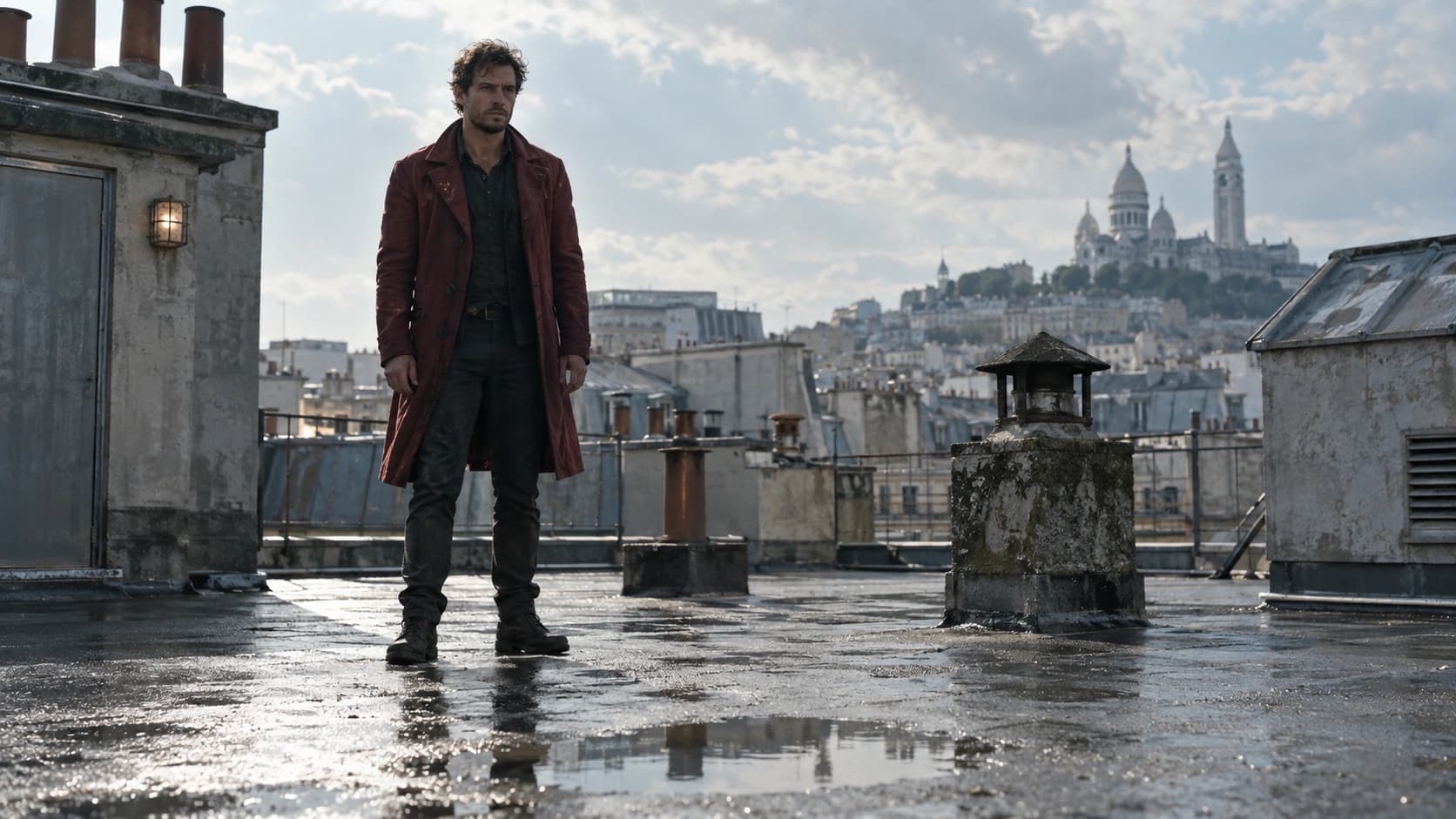
This comparison includes three paired image-to-video examples generated on October 10, 2026. Each pair uses the same AI-generated source image and exact prompt, with 6 seconds requested, 720p and native audio enabled. These examples are not a scored benchmark; no measured speed, success rate or model-wide quality ranking is claimed.
The short answer
Consider Vidu Q4 Preview when your brief calls for 2K or 4K output, or when you want to explore its image and voice reference workflow. Keep Q3 in consideration when an existing Q3 setup already delivers the framing, sound and resolution your project needs.
Neither maximum duration nor native audio alone settles the choice. Both generations support clips up to 16 seconds and audio-video generation. A higher resolution setting also does not tell you whether a particular face, gesture or product detail will survive the shot.
The Studio on this website currently creates Q4 Preview videos. It does not offer a Q3 model switch. To compare the two, generate your Q3 version in a tool that explicitly identifies the selected Q3 variant, then bring the exports into the same review workflow.
Vidu Q4 vs Q3: key differences
The table separates the documented model options from controls available here. Q3 is a family of variants; check the specific model and mode before treating a setting as universal.
| Capability | Vidu Q4 Preview | Vidu Q3 |
|---|---|---|
| Resolution | 540p, 720p, 1080p, 2K and 4K in the Preview API | Q3 reference API lists 540p, 720p and 1080p |
| Duration | 3–16 seconds in this Studio | Up to 16 seconds; minimum depends on mode and variant |
| Native audio | Audio generation can be enabled or disabled | Native audio is also part of Q3 |
| Creation modes | Image-to-video and reference-to-video here | Text, image and reference workflows are documented across the Q3 family |
| Image references on this site | One source image, or up to 12 reference images | Q3 generation is not selectable here |
| Voice references on this site | Up to 3 in reference mode | Confirm support in your chosen Q3 provider |
Resolution: choose the delivery format first
Q4’s extra resolution tiers are useful when the finished shot must fit a larger canvas or leave room for reframing. They are less decisive when the deliverable is a small social preview and most of the work lies in choosing the right action.
For a useful comparison, first export both versions at a shared setting such as 720p or 1080p. Inspect the subject at the same display size. Then decide whether a separate Q4 render at 2K or 4K adds useful detail for your final delivery.
Look at outlines, hair, reflections and any required product features across the entire clip. A sharp opening frame cannot establish consistency through a turn, an occlusion or a camera move.
Audio: Q3 already has sound
Native audio is not exclusive to Q4. The practical question is whether the generated performance serves your scene: intelligible words, appropriate emphasis and sound that belongs to the action.
Use a brief spoken line when comparing dialogue. Listen on the same speakers, then replay with attention to mouth timing, pauses and background noise. Keep a separate note for visual identity and another for the delivery of the line; a strong result on one does not establish the other.
Q4 reference mode here can accept voice references. Give each voice a clear role in the prompt and use recordings you have permission to use. A voice reference should guide the performance, while the written brief still explains who speaks and what happens.
Three scenes, two models: paired Q4 and Q3 examples
Each scene below uses one shared source image and the same written prompt for both models. The rooftop movement, retriever and waterfall scenes are separate from the Review page’s dialogue, product and handoff examples.
Both generators were set to 6 seconds, 720p and native audio on. The original Q4 exports are 1278 × 720; Q3 exports are 1280 × 720. All files measure approximately 6.04 seconds and contain an audio track. Q4 prompt enhancement was disabled, and Q3 background music was disabled to keep attention on native scene sound.
Play each pair at the same display size and listen to both. Use the source image and exact prompt to inspect action order, physical contact, subject identity and environmental continuity. These are individual outputs, not evidence of a typical success rate or a universal winner.
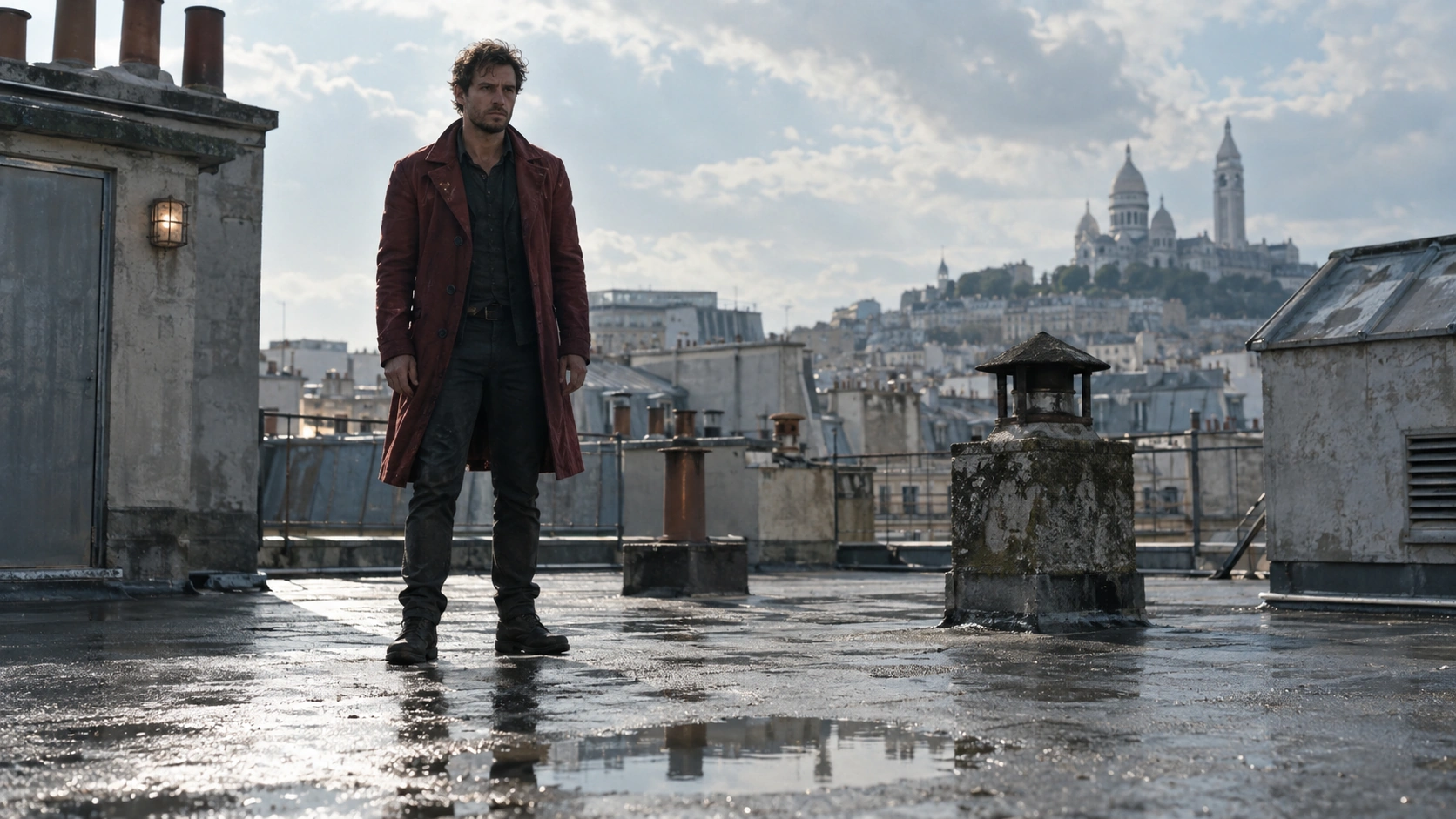
Rooftop movement and landing
Compare foot contact, body balance, splash timing and the coat’s movement.
Image to Video · 6 seconds requested · 720p · Native audio on
Original export · 1280 × 720 · 6.04 seconds · Audio track included
Original export · 1278 × 720 · 6.04 seconds · Audio track included
Read the exact generation prompt
Use the supplied image as the exact opening frame of a live-action daytime thriller. Preserve the man's face, crimson coat, wet rooftop and realistic Paris skyline. In one continuous six-second fixed full-body shot, he takes two purposeful steps, makes a short controlled jump over the shallow puddle, lands with a small physically plausible splash, steadies his weight, and glances back over his shoulder. Keep his whole body and both feet visible; coherent anatomy, natural gravity and coat inertia. No rooftop edge stunt, slow motion, cuts, camera orbit, night lighting or exaggerated city changes. Realistic footsteps, a small splash and quiet distant traffic.
Both models received the same source image and prompt. Q4 prompt enhancement was off; Q3 background music was off, with native audio enabled. Source framing was preserved. No generation-speed or success-rate score is claimed.
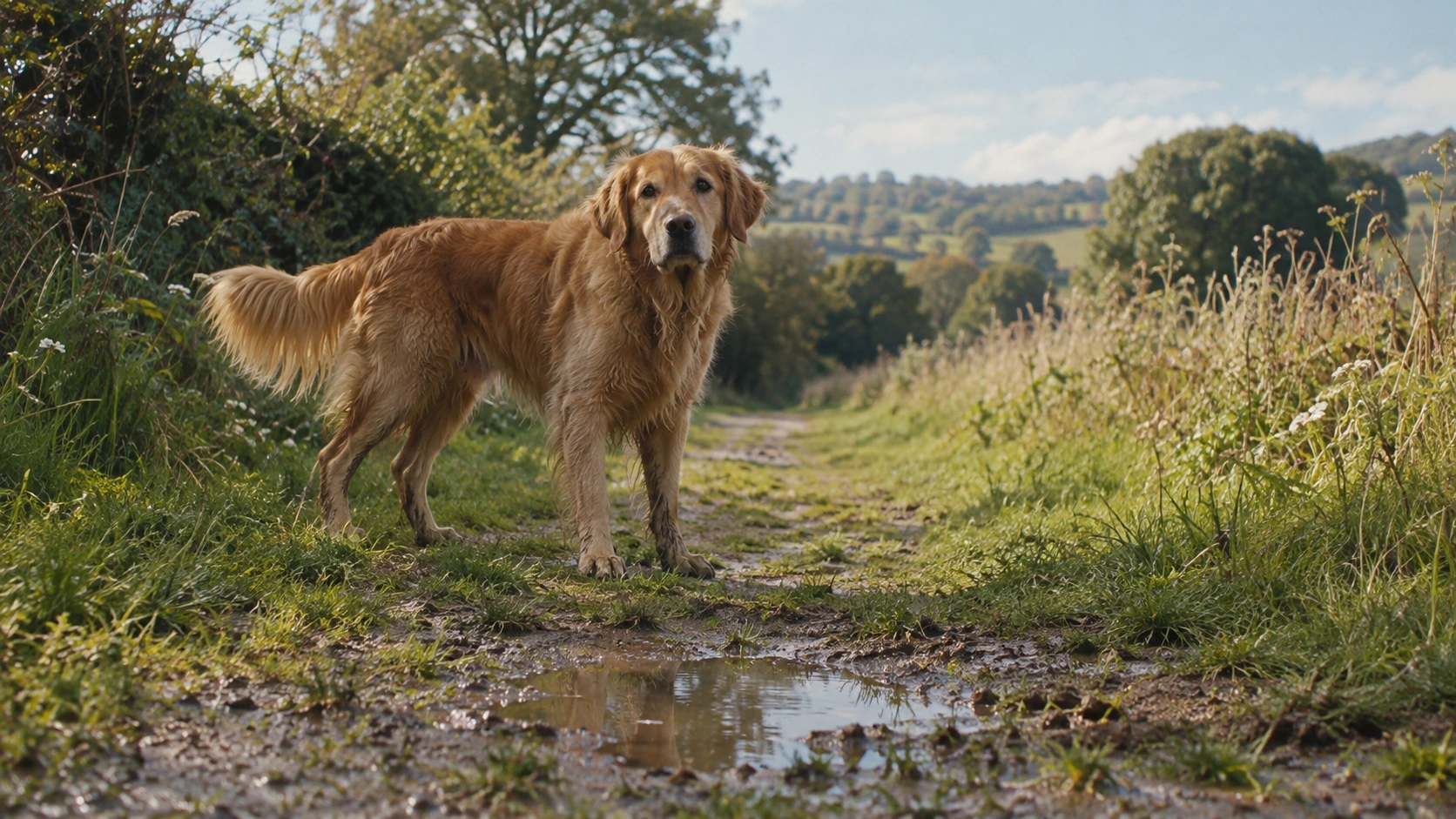
Golden retriever in motion
Compare leg coordination, paw contact, water response and identity through the approach.
Image to Video · 6 seconds requested · 720p · Native audio on
Original export · 1280 × 720 · 6.04 seconds · Audio track included
Original export · 1278 × 720 · 6.04 seconds · Audio track included
Read the exact generation prompt
Use the supplied image as the exact opening frame of a live-action countryside film in natural daylight. Preserve the golden retriever's identity, fur, body proportions and grassy path. One continuous six-second low fixed-camera shot: the dog trots two or three steps toward the camera, splashes gently through the shallow puddle, stops at a comfortable distance, tilts its head slightly and wags its tail. All four legs move with realistic canine gait; paws contact the ground, water reacts naturally, fur responds subtly. Keep the complete animal in frame. No extra animals, morphing, cartoon expressions, cuts or artificial glow. Natural birds, soft wind and wet paw sounds.
Both models received the same source image and prompt. Q4 prompt enhancement was off; Q3 background music was off, with native audio enabled. Source framing was preserved. No generation-speed or success-rate score is claimed.
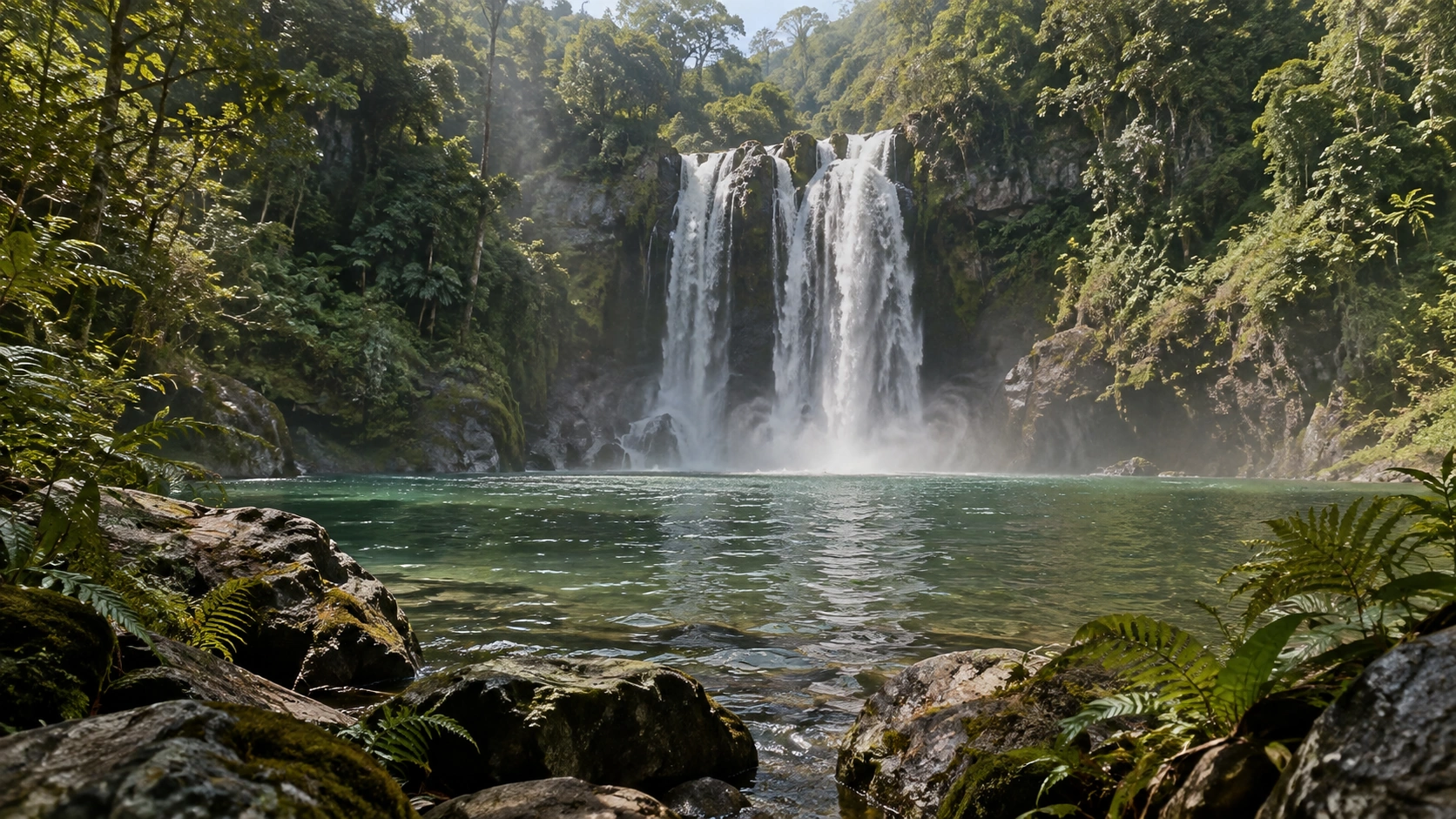
Jungle waterfall camera move
Compare camera continuity, waterfall geometry, fine foliage and the sound of the environment.
Image to Video · 6 seconds requested · 720p · Native audio on
Original export · 1280 × 720 · 6.04 seconds · Audio track included
Original export · 1278 × 720 · 6.04 seconds · Audio track included
Read the exact generation prompt
Use the supplied image as the exact opening frame of a real-location adventure film in daylight. One continuous six-second establishing shot: the camera glides very slowly forward over the foreground rocks toward the emerald pool while the waterfall flows continuously, fine mist drifts across the water, concentric ripples spread below the falls and nearby leaves move lightly in the breeze. Preserve all terrain, waterfall geometry and realistic vegetation. Subtle depth and restrained color, no fantasy glow, sudden weather changes, new structures, people, animals or cuts. Rich natural waterfall sound with light forest ambience.
Both models received the same source image and prompt. Q4 prompt enhancement was off; Q3 background music was off, with native audio enabled. Source framing was preserved. No generation-speed or success-rate score is claimed.
How to run a fair comparison on your own brief
- Choose one deliverable. Define a six-second product reveal or a single dialogue beat. Write down what must remain correct.
- Keep shared settings aligned. Use the same source image, target duration, resolution and audio requirement wherever both tools support them.
- Record each version. Save the exact variant, prompt, inputs, settings and exported file. Include rejected attempts in your notes.
- Review complete clips. Watch at normal speed, then inspect hands, object contact, subject identity and spoken words more closely.
- Compare usable outcomes. Include the cost of retries and editing, rather than comparing only the price of one submission.
Do not assume that the same seed produces matching motion across different models. If one version needs a different prompt, record that change so you know whether you are comparing model behavior or two different briefs.
Cost: budget the scene, including revisions
This site charges Q4 Studio credits by selected resolution and duration. The table below shows its rates; these are not Vidu’s own API credits or Q3 provider prices.
A short draft can answer a specific question before a final export: does the camera move work, does the character stay recognizable, or does the dialogue fit? Change one variable at a time. Moving immediately to a longer 4K take makes every unresolved decision more expensive.
Compare Q3 costs using the actual quote from the service where you generate it. See credit packs for this site’s purchase options.
| Resolution | Credits / second | 5 seconds | 10 seconds | 16 seconds |
|---|---|---|---|---|
| 540P | 1 | 5 | 10 | 16 |
| 720P | 3 | 15 | 30 | 48 |
| 1080P | 4 | 20 | 40 | 64 |
| 2K | 5 | 25 | 50 | 80 |
| 4K | 8 | 40 | 80 | 128 |
Which model should you choose?
Explore Q4 for a reference-led shot that needs a higher-resolution delivery option. Start with a short draft, approve the action and then render at the resolution the project actually requires.
Keep Q3 in your workflow if you already have a repeatable setup that produces acceptable short scenes. Replacing it makes sense when a Q4 feature solves a specific production problem, not simply because the version number increased.
For exact lettering, fixed product geometry or a sequence that must match existing footage, plan an editing pass whichever model you use. Read the Q4 review for a closer look at the workflow, or follow the Studio guide to make a first draft.
Questions and answers
Is Vidu Q4 always better than Vidu Q3?
No model-wide quality ranking is established here. Q4 Preview adds 2K and 4K options in the documented API, but the best choice depends on the scene and the usability of the resulting clip.
Does Vidu Q3 support native audio?
Yes. Vidu describes Q3 as generating video and native audio together. Audio support is not a Q4-only difference.
Can I compare Q4 and Q3 in this Studio?
This Studio creates Q4 Preview videos. Generate a Q3 version through a service that explicitly supports the chosen Q3 variant, then compare the original exports using aligned settings.
Are Q4 credits the same as Vidu API credits?
No. This site has its own credit packs and per-second rates. Do not apply these numbers to Vidu’s API platform or another provider.